MT5 · Indicator
H1 Shadow Zone Marker
Automatically marks H1 upper/lower shadow zones, reducing manual marking omissions.
About this tool
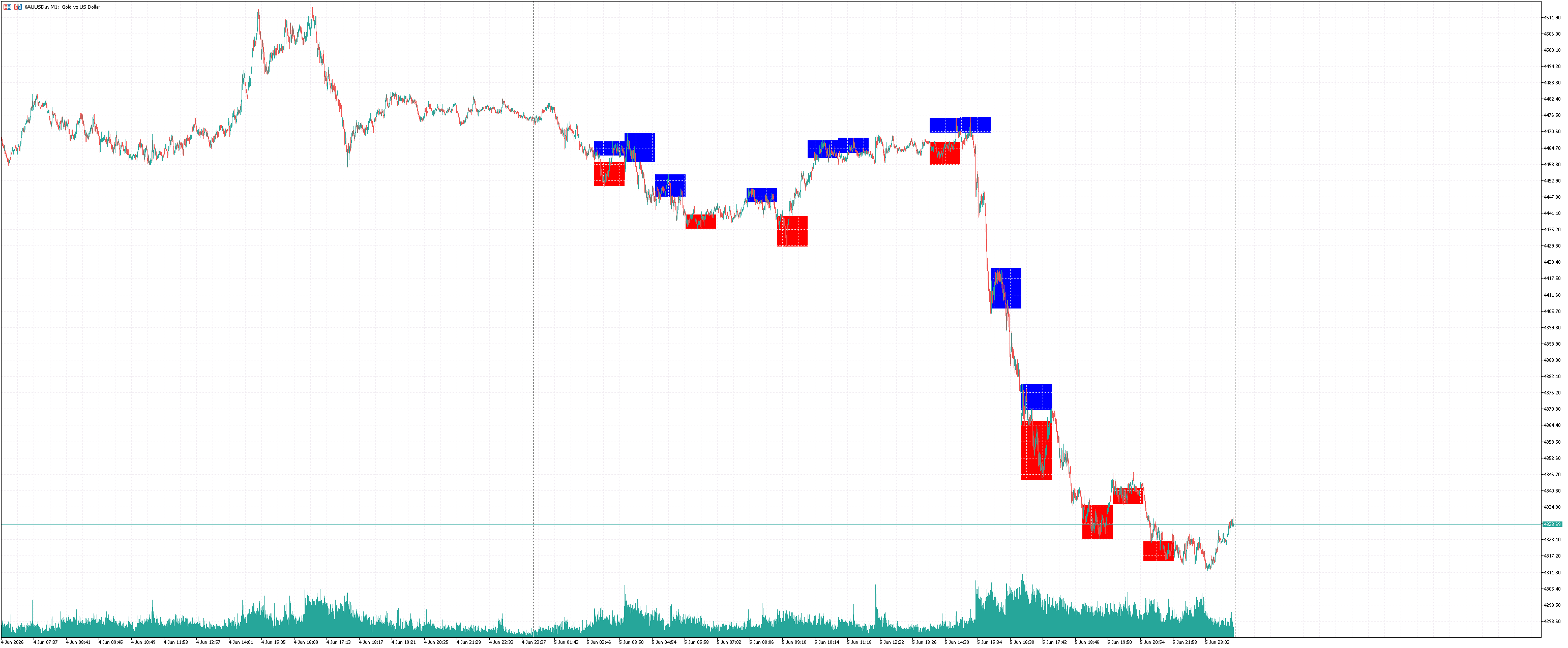
Scans recently closed H1 candles and marks large upper/lower shadow zones as rectangles, helping observe potential price-reaction areas and reducing manual marking omissions.
Interface preview
Key features
- Scans the latest 20 closed H1 candles by default
- Upper-shadow zones marked red; lower-shadow zones marked blue
- Configurable minimum shadow length and opacity, with periodic zone refreshes
Before you use it
Compatibility:Desktop MT5 · Indicator
This indicator assists observation of key price zones. It is not investment advice and does not guarantee returns.
Files and installation
- H1_ShadowZoneMarker.ex5
Open the data folder in desktop MT5, place the EX5 in MQL5/Indicators, refresh Navigator and load it onto a chart. Compiled indicator only; source code is not included.
Installation guide